Unavailability Periods
Add Unavailability Period
- Click ‘New’ in the Unavailability Periods section to add a date range during which you will not be available.

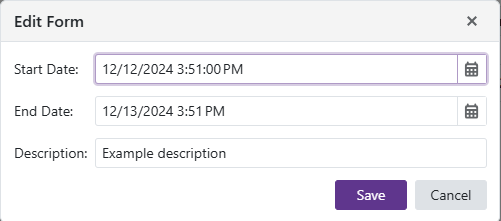
Edit Unavailability Period
- Click the
 to edit an Unavailability Period entry.
Remove Unavailability Period
- Click the
 to delete the selected Unavailability Period row.