Locations
- The Locations section allows users to manage locations by adding, editing, and removing details. It also provides access to specific information such as users, departments, substitutes, and leave requests associated with each location.
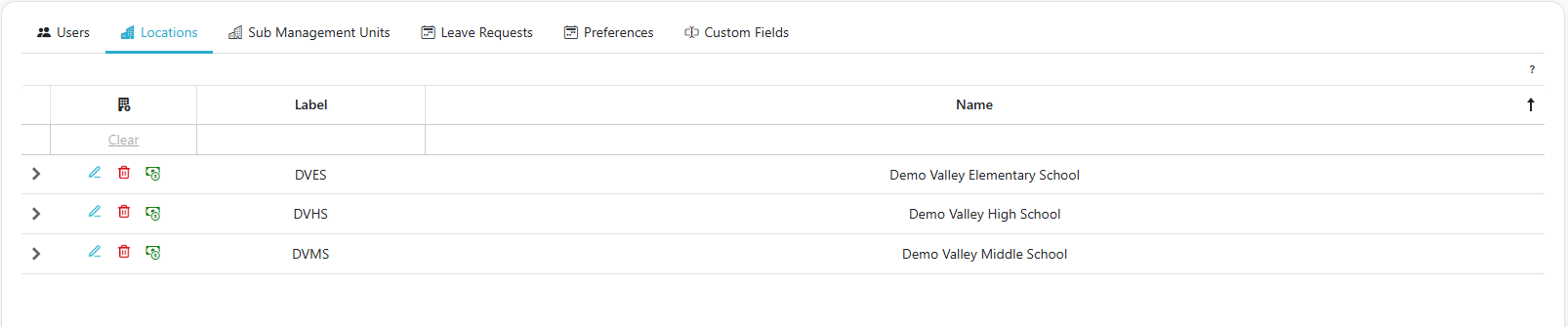
Adding A Location
-
Click the Add Location button
 to create a new location.
 -
Fill out the required fields in the form, then click Save to add the location.
Import Locations
- Click the Import Locations button
 to upload a CSV file.
 - Follow the Location Import File Specification for required headers, data types, and aliases. Files must include a header row and be 15 MB or smaller.
Edit Location's Information
- Click the
 to make edits to a location's details.
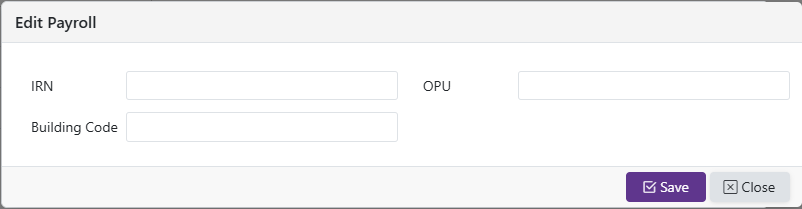
Edit Location Payroll Information (If Available, must be payroll admin)
- Click the
 to edit a user's payroll information.
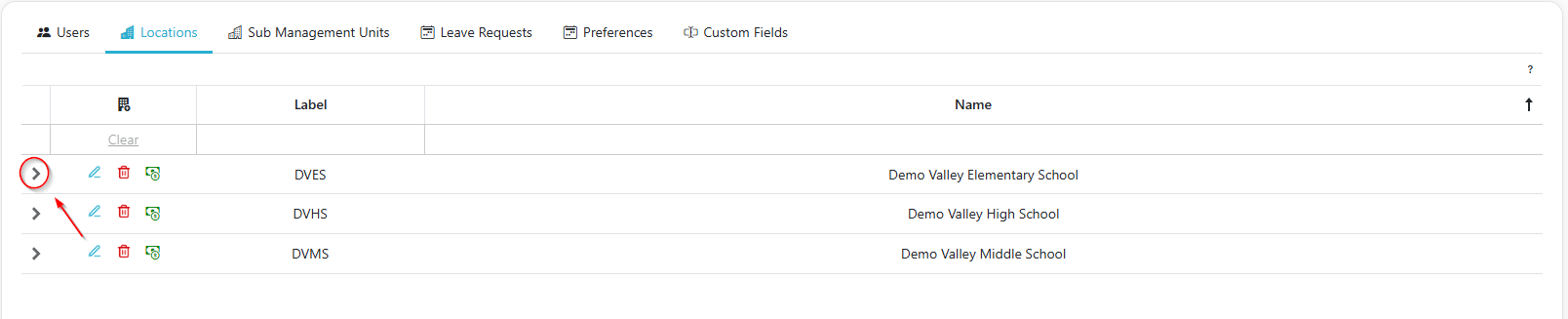
Expand Location to view Location's Users, Departments, Substitutes, Leave Requests
- Clicking the ‘>’ Caret opens a grid with tabs for the Users, Departments, Substitutes, Leave Requests for that location
Remove Location
- Click the
 to delete a location.
 - Confirm the action to finalize the removal.