Two-Factor Authentication
The Two-Factor Authentication (2FA) section allows users to enhance account security by adding a two-factor authentication app.
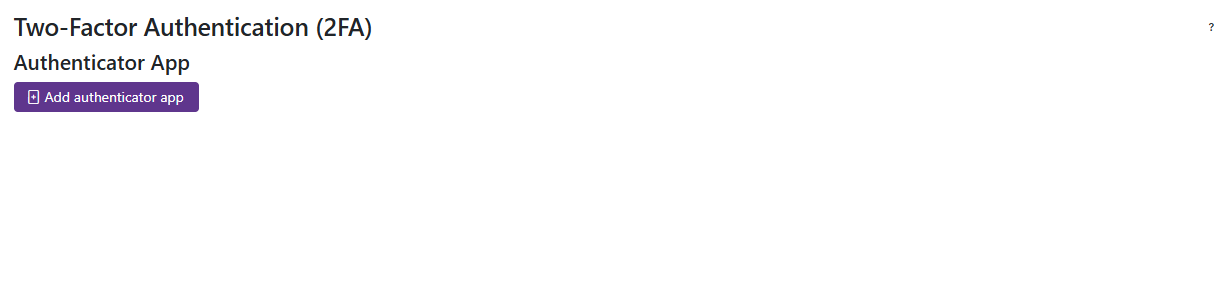
- Click on the Add Authenticator App button to initiate the setup process. A QR code will be displayed, which can be scanned using a compatible authenticator app (such as Google Authenticator or Authy) on your mobile device.
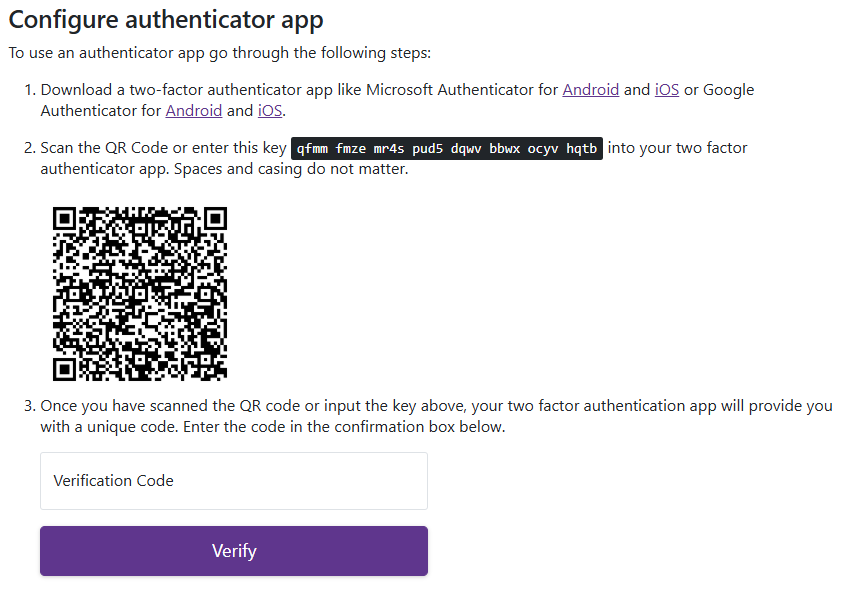
- Follow the instructions provided by your authenticator app to complete the setup. Once the app is configured, you will be prompted to enter a verification code generated by the app to confirm the setup.