My Attendance
- My Attendance allows substitutes to verify their attendance when the 'Substitutes May Verify Their Own Attendance' setting is enabled in the Location Preferences, and see if a manager has verified their attendance. Open it from the My Attendance tab on the dashboard, or from My Attendance in the main menu.
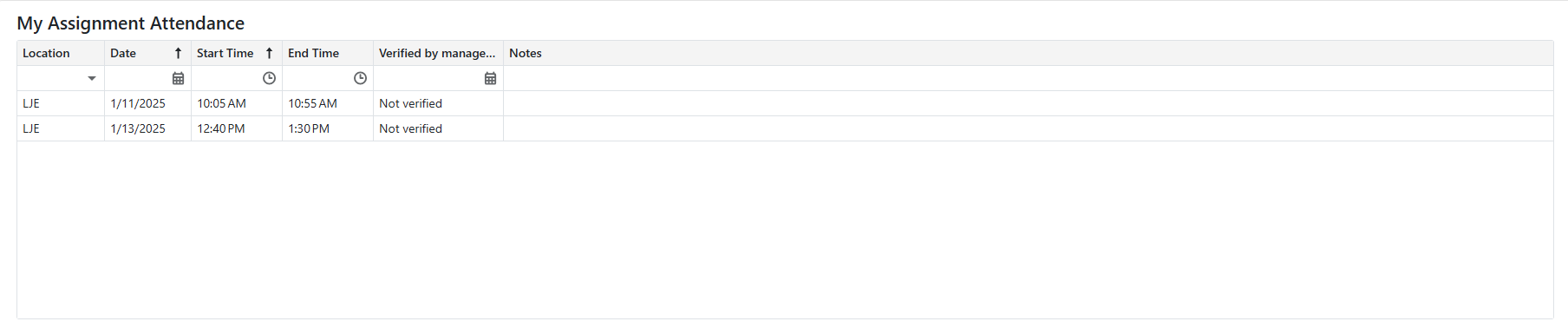
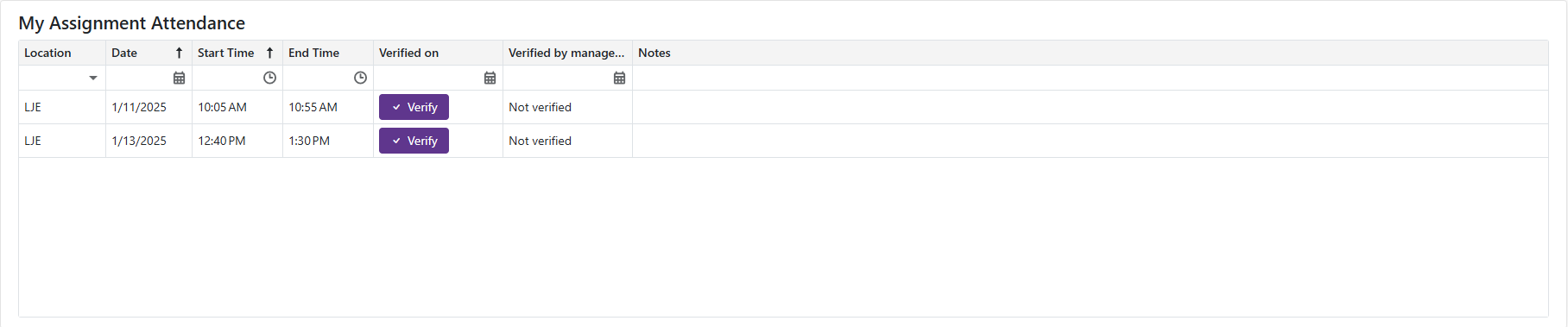
- If 'Substitutes May Verify Their Own Attendance' is enabled in the location's preferences, the 'Substitute Verification' column becomes available:
-
Clicking the
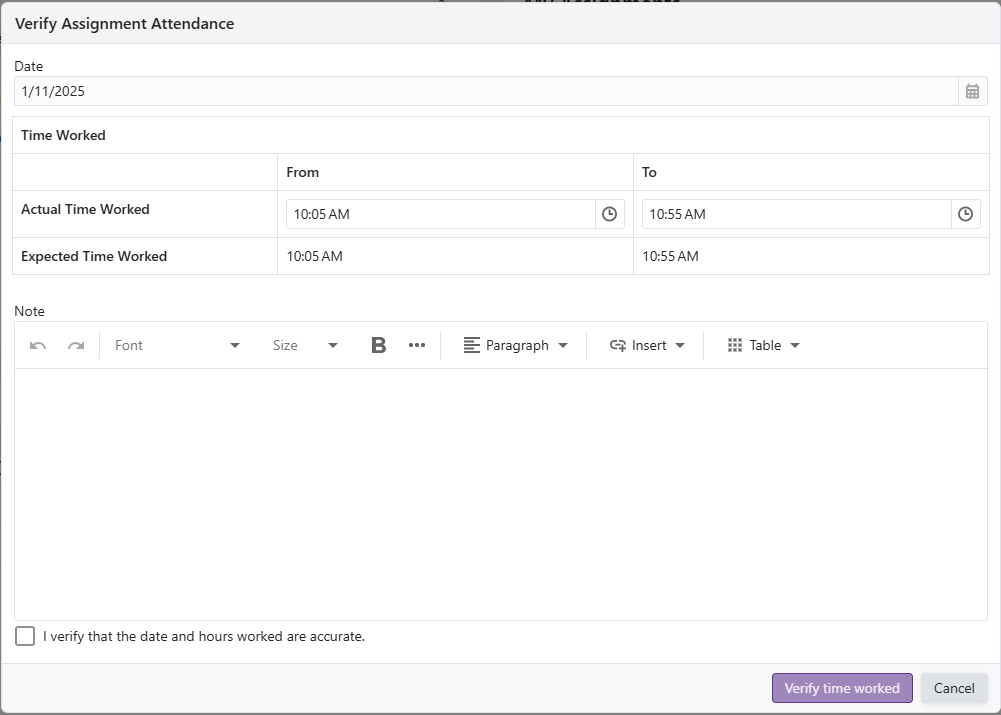
 opens the Verify Assignment Attendance form, allowing the substitute to view notes left by the manager, add their own notes, and edit the Actual Time Worked.
 -
The 'I verify that the date and hours worked are accurate' checkbox must be checked to make the 'Verify time worked' button available