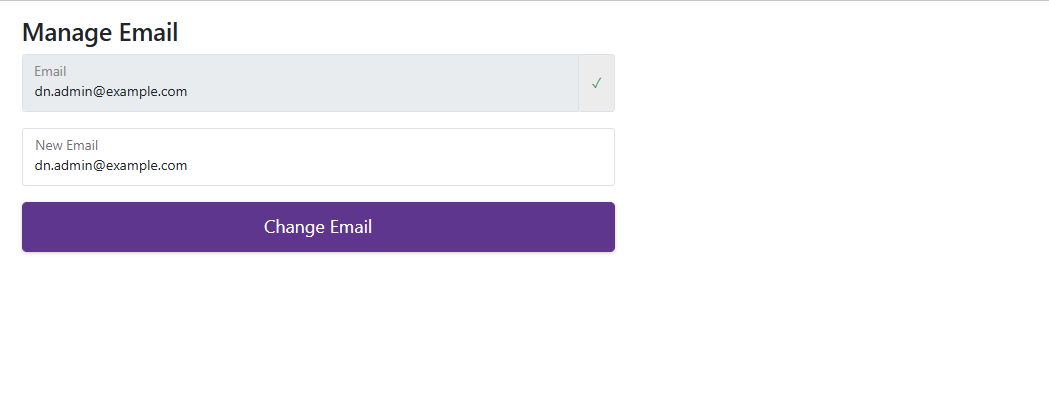
The Email section is on the Profile page.
- Current Email shows your address and whether it's Verified. If it says Not verified, click Send verification email and follow the link in the email.
- To change your address, type it in New Email and click Change Email. SmartSub sends a confirmation link to the new address. Click the link, enter your password, and click Submit. Your email changes and you're signed out; sign back in to continue.