Manage Your Account
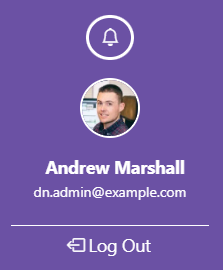
Click on your name in the left side navigation bar to access your account settings.
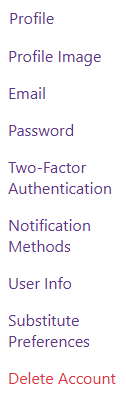
The navigation menu will display the options available to you based on your user role.
Profile
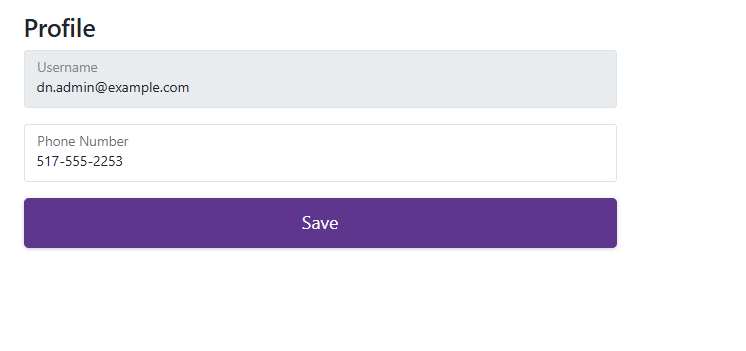
The Profile section allows users to view their username and update their phone number. Users must click ‘Save’ to save their changes.