Leave Requests
The Leave Requests section allows users to manage leave requests by adding, editing, and approving them.
Takes the user to the Leave Requests Page
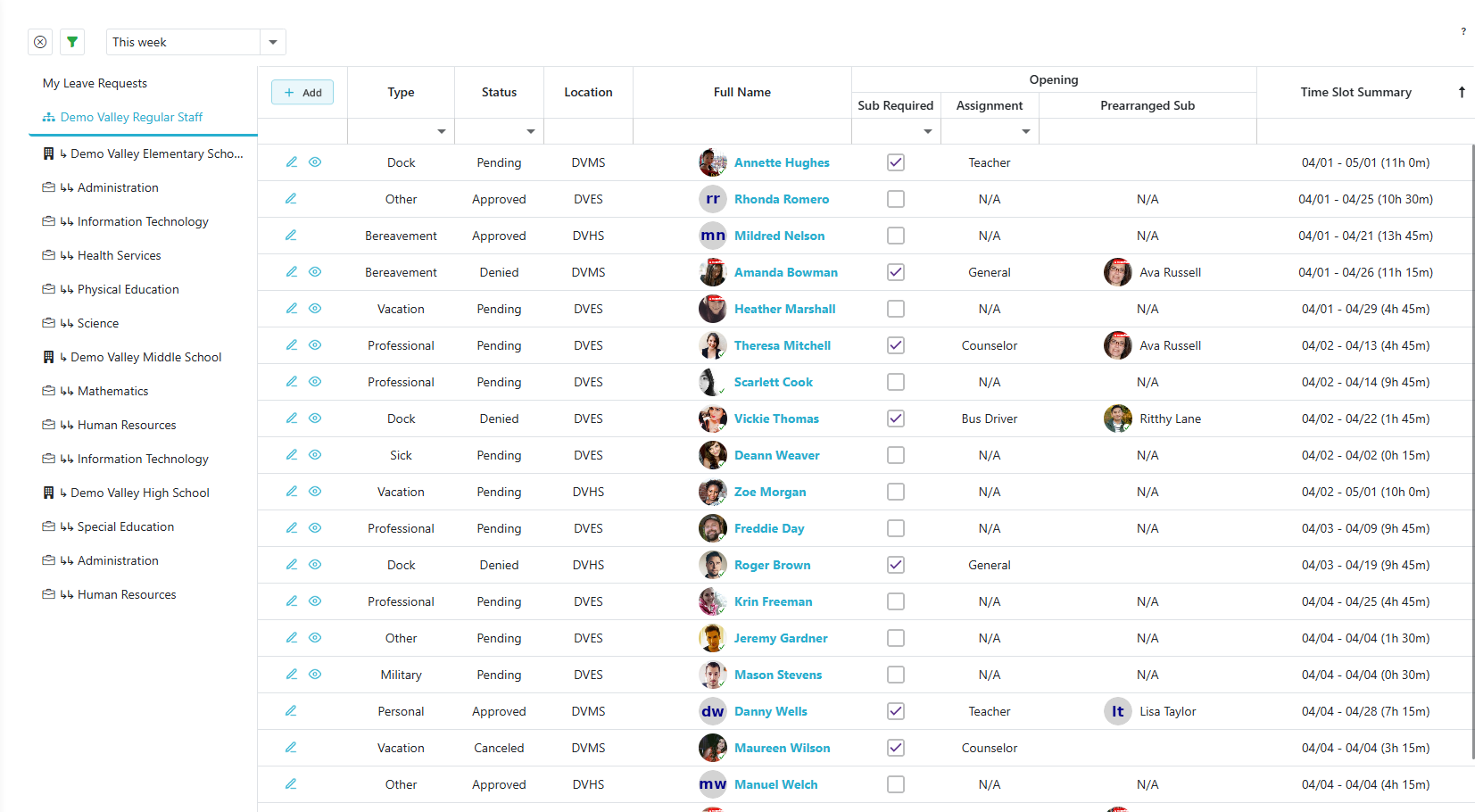
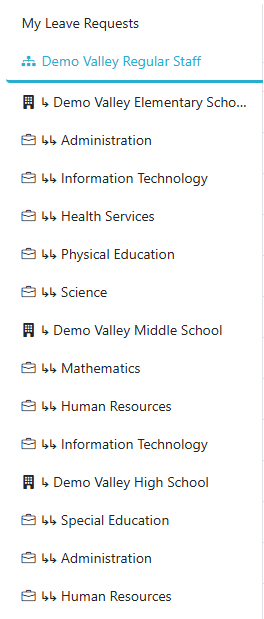
The tabs on the left-hand side allow users to navigate to different sections of leave requests:
-
My Leave Requests Tab:
Redirects the user to a page where they can view their personal leave requests. -
All Regular Staff Leave Requests Tab:
Represented by the . This tab displays all leave requests submitted by regular staff across all locations.
 -
Location Tabs:
Represented by the . Each tab corresponds to a specific location and takes users to a page with all the leave requests for that location.
 -
Department Tabs:
Represented by the . These tabs correspond to departments within the location directly above them. Clicking a department tab shows all leave requests for that specific department at that location.
Create Leave Request
- Click the
 button to create a new leave request.
 - This action allows you to input all necessary details for submitting a new leave request.
Edit Leave Request
- Click the
 icon to edit the leave request for the selected row.
 - This opens the Edit Leave Request page, where you can modify the details of the request.
Approving or Denying Leave Request
- Click the
 to open the approval page.
 - This page allows users to approve or deny leave requests.