Active Sessions
The Active Sessions section shows every device currently signed in to your account, so you can spot and sign out anything you don't recognize.
-
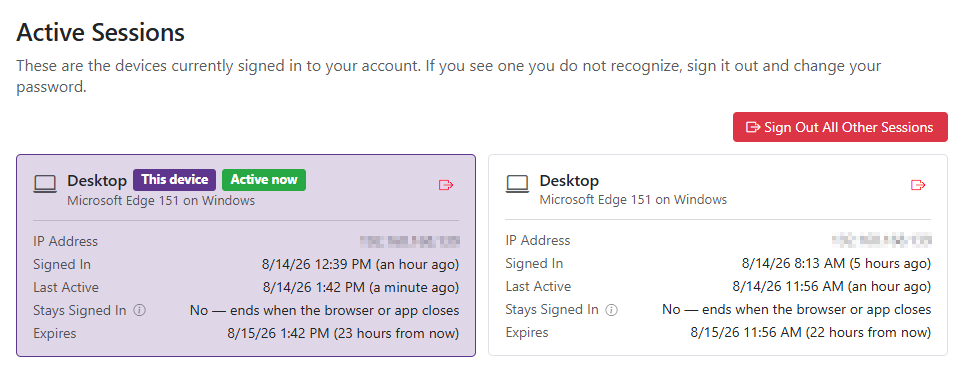
Each session shows the device (with a This Device badge on your current one), the IP address, when you signed in, when you were last active, whether it stays signed in after closing your browser, and when it expires.
-
Click the sign-out icon on any session to sign that device out immediately.
-
If you have more than one other session, click Sign Out All Other Sessions to sign out every device except the one you're using now.
-
Changing your password signs out every device, including this one — you'll need to sign back in with your new password. Resetting your password from the "Forgot Password" email link also turns off Two-Factor Authentication, so you'll need to set it up again afterward.