Staff
- The Staff section allows administrators/managers to manage staff members assigned to multiple locations. Administrators/managers can add, edit, and remove staff members from multiple locations
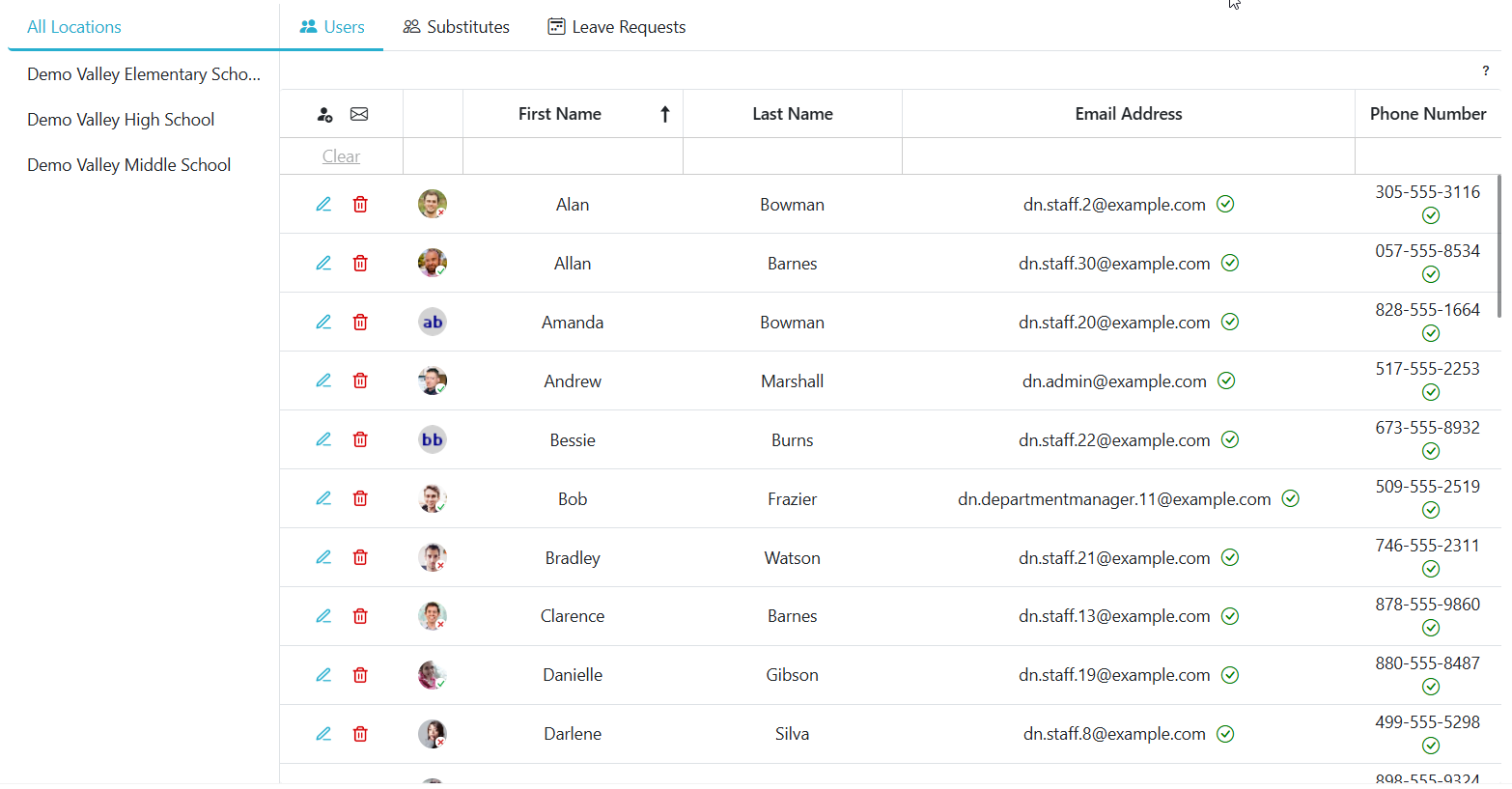
Adding A Staff Member To Multiple Location
- Click the
 to add a new staff member, then choose the locations you wish to add them to.
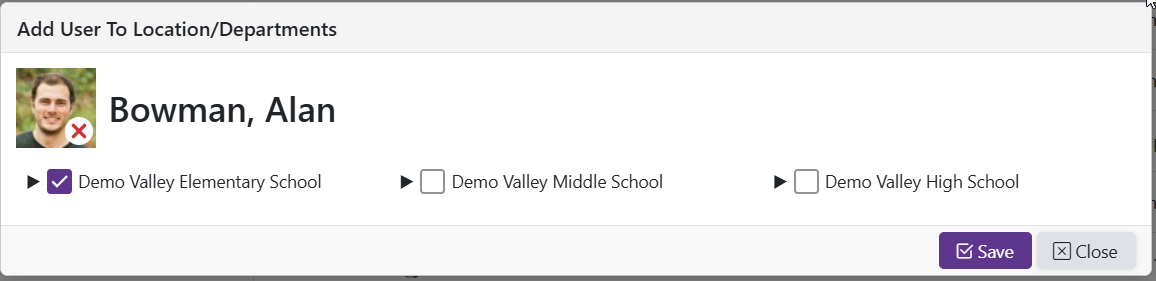
Edit staff member's locations
- Click the
 to edit which locations/departments a staff member is in
Removing A Staff Member From All Locations
-
Click the
 to remove an existing staff member from All Locations.
 -
Confirm the action to complete the removal.