Profile Image
The Profile Image section is on the Profile page. It isn't shown in the SmartSub mobile app.
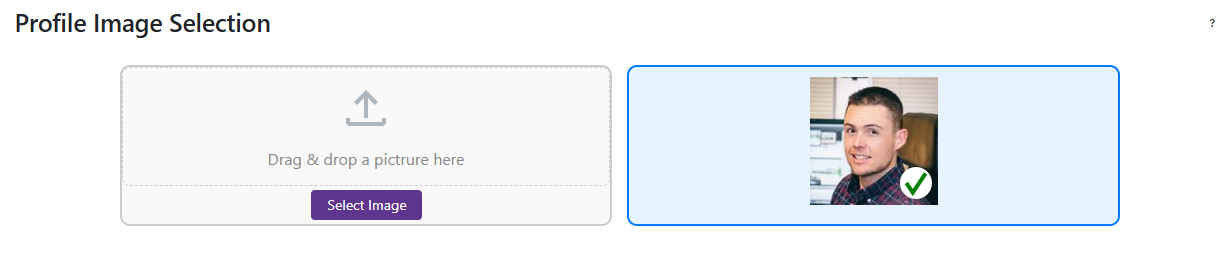
- Drag and drop a picture onto the upload area, or click Select Image. Accepted types are JPEG, PNG, WebP, HEIC, and AVIF.
- New pictures appear under Pending Verification until a manager reviews them. Click Remove to withdraw a pending picture.
- Your Current picture is shown at the top. Pictures that were verified before are listed under Other Verified Images; click Use this picture to switch back to one, or the trash icon to delete it.