Departments
After selecting a specific location, the Departments section allows users to add, edit, and remove departments for that location.
- Users with the Coordinator role for this location see this list read-only — they can't add, edit, or remove departments.
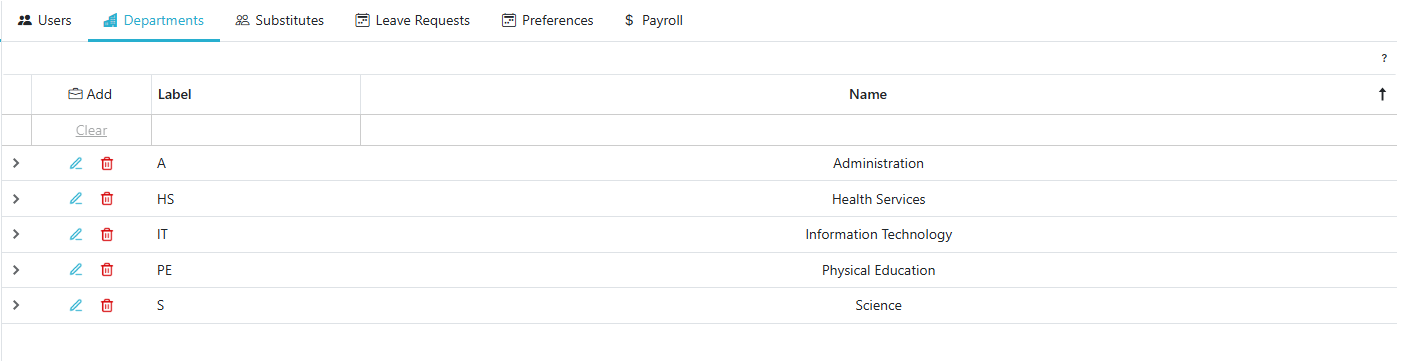
Adding A Department To A Location
- Click the
 button to add a new department.
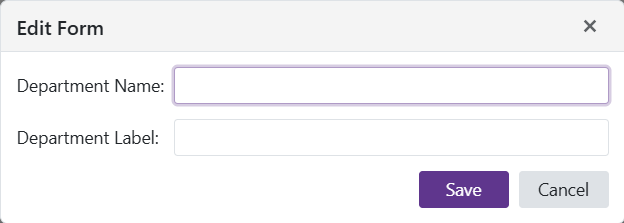
Edit A Department's Information
- Click the
 to edit a department’s information.
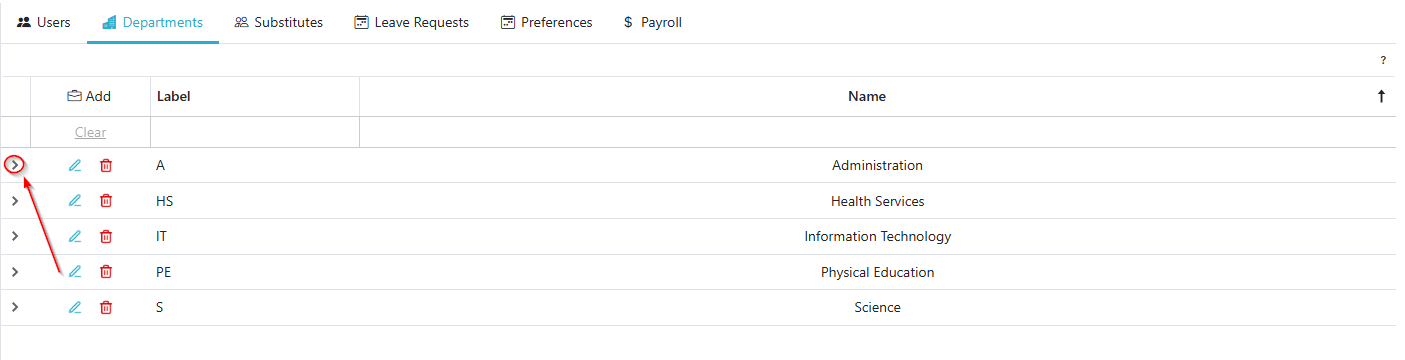
Expand Department to see Department Users/Leave Requests
- Clicking the ‘>’ Caret opens a grid with tabs for the Users and Leave Requests for that Department (At that location)
Remove A Department
- Click the
 to remove a department.
 - Confirm the action to finalize the removal.